My Spring Boot application worked perfectly on my local machine.
The API responded correctly.
The frontend could call it.
OCR was working.
The application could detect things like phone numbers, email addresses, and image metadata.
So naturally, I thought deployment would be the easy part.
It wasn't.
I’ve been building a small project called Security Lens, a service that analyzes uploaded images and checks whether they contain potentially sensitive information.
Until recently, most of the development happened on Windows with Spring Boot running locally.
Then I decided it was time to actually ship it.
That was when I was reminded of something simple:
“It works on my machine” and “it works as a service” are two very different states.
Here are the things I ended up checking while preparing my Spring Boot project for deployment.
1. The port cannot always be hardcoded
During local development, my application was running on port 8080.
At one point, I even ran into the classic problem:
Port 8080 was already in use.So I temporarily moved the application to another port.
Locally, that's easy.
You can just configure:
server.port=8081and move on.
But a deployment platform may not work like that.
Platforms such as Railway can assign a port dynamically through an environment variable.
That means hardcoding only one port can become a problem.
A safer configuration is something like:
server.port=${PORT:8080}This means:
- use the PORT environment variable when it exists
- otherwise, use 8080
Locally, I can still run the application normally.
In production, the platform can decide which port should be used.
This is a small configuration change, but it represents a much bigger difference between local development and deployment.
2. Environment variables matter more than I expected
On my development machine, a lot of things are already there.
Java is installed.
Paths exist.
Local services are running.
Configuration files are available.
I know where everything is because I created the environment myself.
A deployment environment knows none of that.
If the application depends on something external, I have to explicitly think about how that dependency is configured.
For Security Lens, this became especially important because the project wasn't just a basic CRUD application.
It included things like:
- OCR
- image analysis
- EXIF metadata extraction
- personal information detection
- AI-assisted analysis
The more components you add, the easier it becomes to accidentally depend on something that only exists on your own machine.
So before deployment, I started asking a different question.
Not:
Does this work on my computer?
But:
What does this application assume exists?
That question was much more useful.
3. Docker forced me to look at the project differently
I had already built the application with Gradle and Java 17.
Locally, running the Spring Boot application wasn't difficult.
Deployment made me think about the environment more explicitly.
That's where Docker came in.
The goal was simple:
create an environment where the application could run without depending on the exact setup of my Windows machine.
That meant checking things like:
- which JDK version the application needs
- how the application is built
- which files actually need to be included
- which command starts the application
- which port is exposed
This sounds obvious when written as a list.
But during development, I rarely think about all of these things at the same time.
Docker made those assumptions visible.
4. Moving from Windows to WSL created another surprise
While preparing the project for deployment, I started working with WSL.
Then I ran:
git status
and almost every file appeared to be modified.
That was not what I wanted to see right before deployment.
At first, it looked like something had gone seriously wrong with the repository.
The actual problem was much less dramatic.
Windows and Linux commonly use different line endings.
Windows often uses:
CRLF
while Linux usually uses:
LF
So files can appear modified even when the actual source code hasn't meaningfully changed.
I checked the difference with:
git diff --ignore-space-at-eol --stat
and the situation became much clearer.
It was one of those problems that looks terrifying for a few minutes and turns out to have a very specific cause.
I later wrote a separate note about the CRLF/LF issue I ran into while moving between Windows and WSL.
→ Git status에서 모든 파일이 modified로 뜰 때 — WSL에서 만난 CRLF/LF 문제 (Korean)
5. .gitignore and .dockerignore are not the same thing
This was another detail I paid more attention to during deployment.
I already had a .gitignore.
But Docker has a separate concern.
When Docker builds an image, I don't necessarily want it to receive every file in the project directory.
IDE files, local configuration, logs, and other unnecessary files can increase the build context or accidentally include things that should stay local.
That's what .dockerignore is for.
The distinction became clearer to me while preparing the deployment:
.gitignore
→ What should Git track?

.dockerignore
→ What should Docker receive during the build?
They solve different problems.
There is one important detail, though.
My Dockerfile copied the pre-built Spring Boot JAR from:
build/libs/
So in that setup, ignoring the entire build/ directory would prevent Docker from finding the JAR it needs.
The correct .dockerignore depends on how the Dockerfile builds or copies the application.
It seems obvious now, but I hadn't really needed to care about that distinction while the application only lived on my computer.
6. Deployment exposed assumptions hidden by local development
This was probably the biggest lesson.
The application itself didn't suddenly become different.
The environment did.
Local development hides a lot of convenience.
My machine already knows:
- where Java is
- which ports are available
- which tools are installed
- what files exist
- how the project was configured
A deployment environment starts much closer to zero.
That makes deployment useful even before anyone uses the service.
It forces you to find the assumptions inside your application.
For me, those assumptions started appearing one by one:
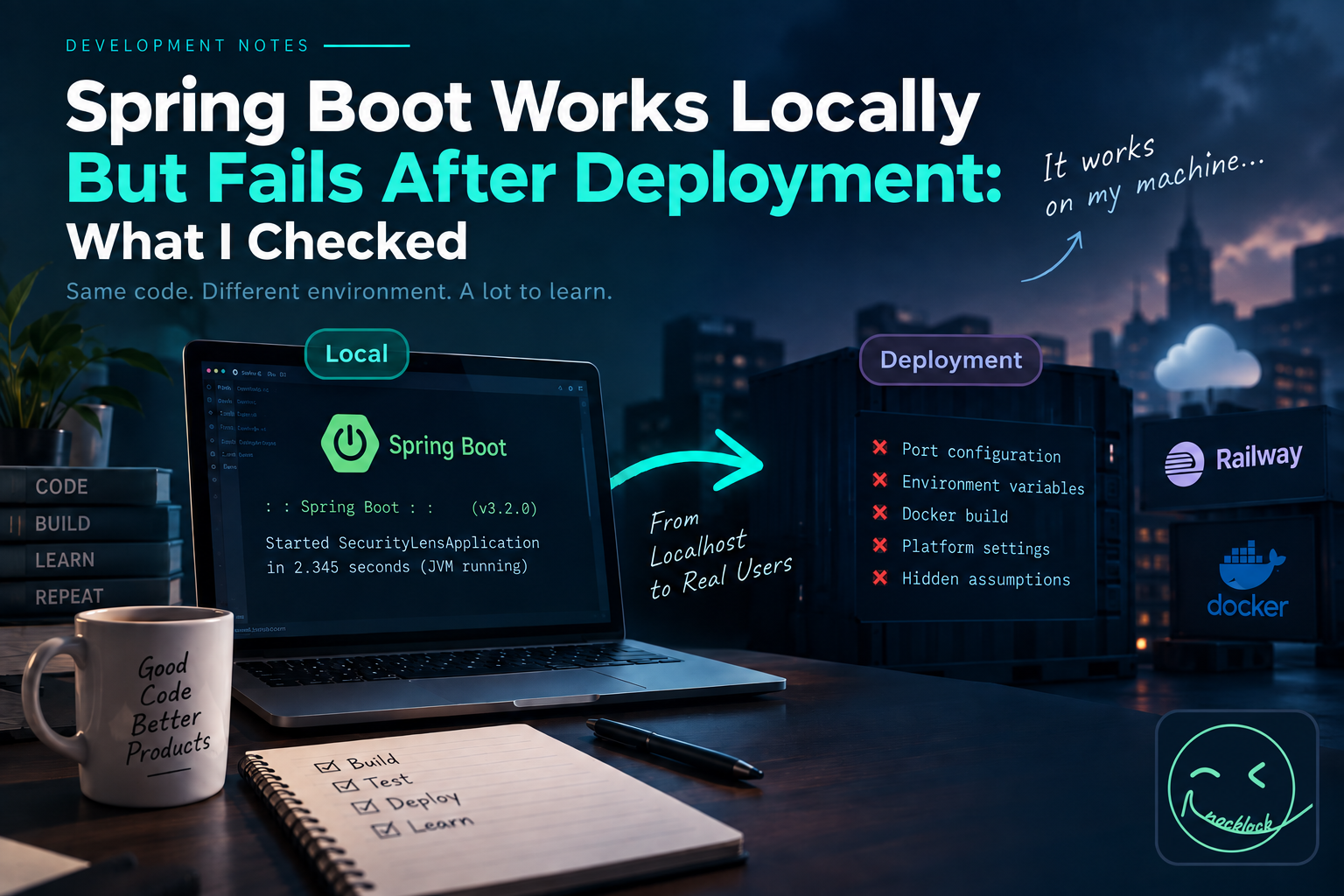
- Port configuration
- Environment variables
- Operating system differences
- Line endings
- Build configuration
- Runtime dependencies
- Docker build context
- Startup commands
None of these were the main feature of Security Lens.
But all of them mattered if I wanted someone other than me to actually use it.
If you're interested in the actual project behind these deployment problems, I documented the architecture and technical decisions separately on GitHub.
→ Security Lens — Spring Boot Privacy Risk Analyzer Case Study
7. AI made debugging faster, but I still had to understand the configuration
I used AI tools a lot while developing Security Lens.
They helped me inspect unfamiliar configuration, debug problems, and move faster through parts of deployment I hadn't dealt with much before.
But deployment reminded me that copying configuration is different from understanding it.
For example:
server.port=${PORT:8080}
is easy to paste into a project.
Understanding why the application needs it in a deployment environment matters more.
The same applies to Docker, Gradle settings, environment variables, and startup commands.
AI can suggest the next line.
I still have to understand what happens when that line leaves my computer.
That became even more important later in Security Lens, especially when I had to decide where AI should and should not be trusted inside the actual product.
I wrote more about that—and what finally made me consider the MVP ready to ship—in the next post.
→ I Shipped a Real Spring Boot MVP — Here’s What I Checked Before Calling It Done
My Spring Boot deployment checklist
After going through this process, these are the deployment checks I now care about first:
- Does the project build successfully from a clean state?
- Is the required Java version explicit?
- Is the server port configurable?
- Are environment-specific values outside the source code?
- Does the application depend on anything installed only on my machine?
- Does the Docker image build successfully?
- Does the Docker container actually run locally?
- Is the startup command correct?
- Do runtime logs show any startup errors?
- Are Windows/Linux differences causing unexpected behavior?
This isn't meant to be a complete production checklist.
It's the shorter troubleshooting checklist I wish I had when I first moved this project from localhost to an actual deployment environment.
I ended up turning the larger set of notes from this process into a reusable Spring Boot release checklist.
→ Ship Your Spring Boot MVP — Free Release Checklist on GitHub
From a project to something people can actually use
Security Lens started as a project where I wanted to detect sensitive information hidden inside images.
For most of the development process, success meant:
The feature works.
Deployment changed the definition.
Now success means:
Someone else can open it and use it without knowing anything about my development environment.
That sounds like a small difference.
For me, it felt like the point where the project started becoming a product.
And that turned out to require more than writing Spring Boot code.
'Development Notes' 카테고리의 다른 글
| I Shipped a Real Spring Boot MVP — Here’s What I Checked Before Calling It Done (0) | 2026.09.20 |
|---|